Keep the useful parts.
Come back with context.
A figure is more useful when you can find its conversation. A project is easier to return to when its references and next thought are still together.
See what changed.
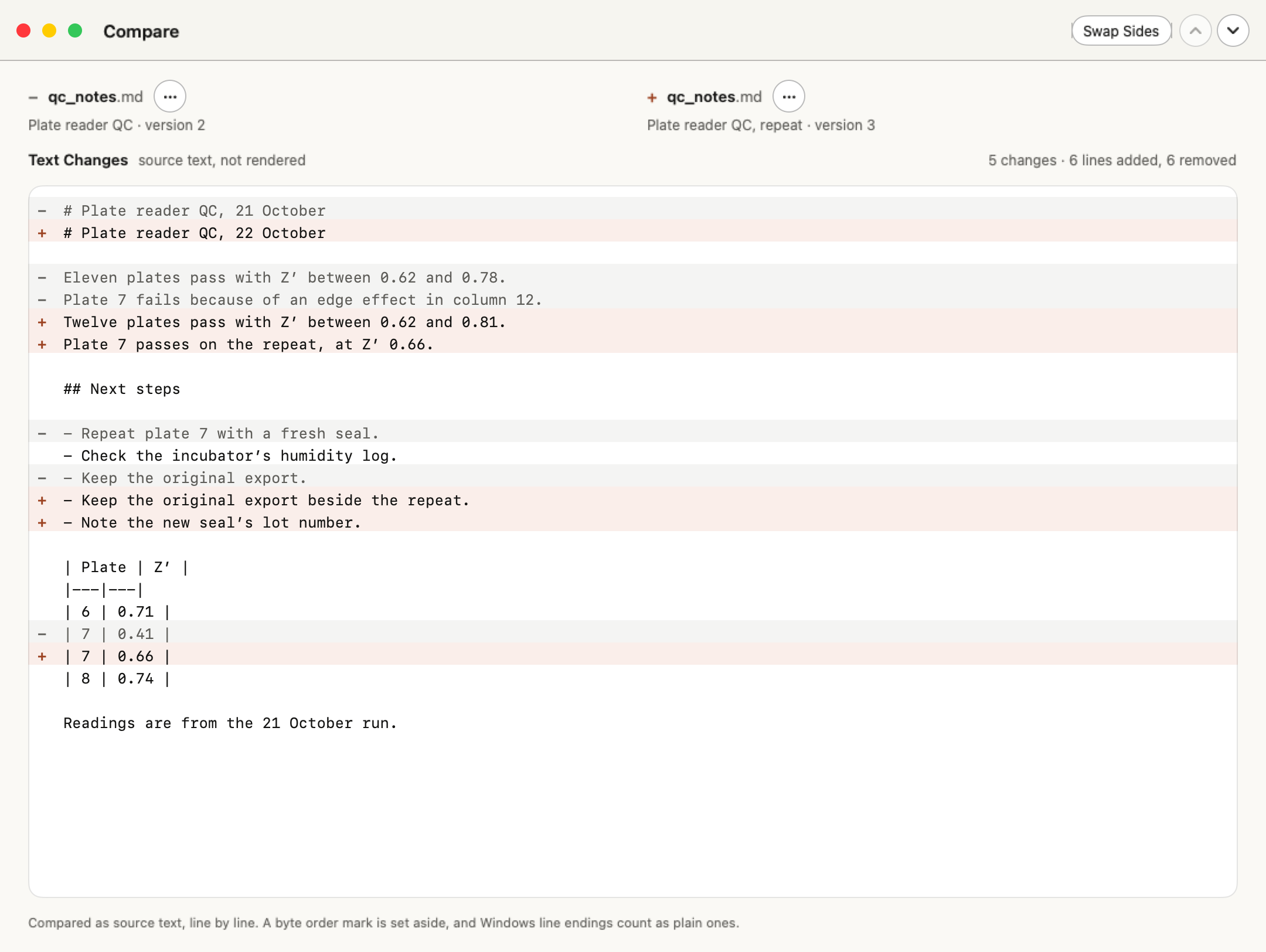
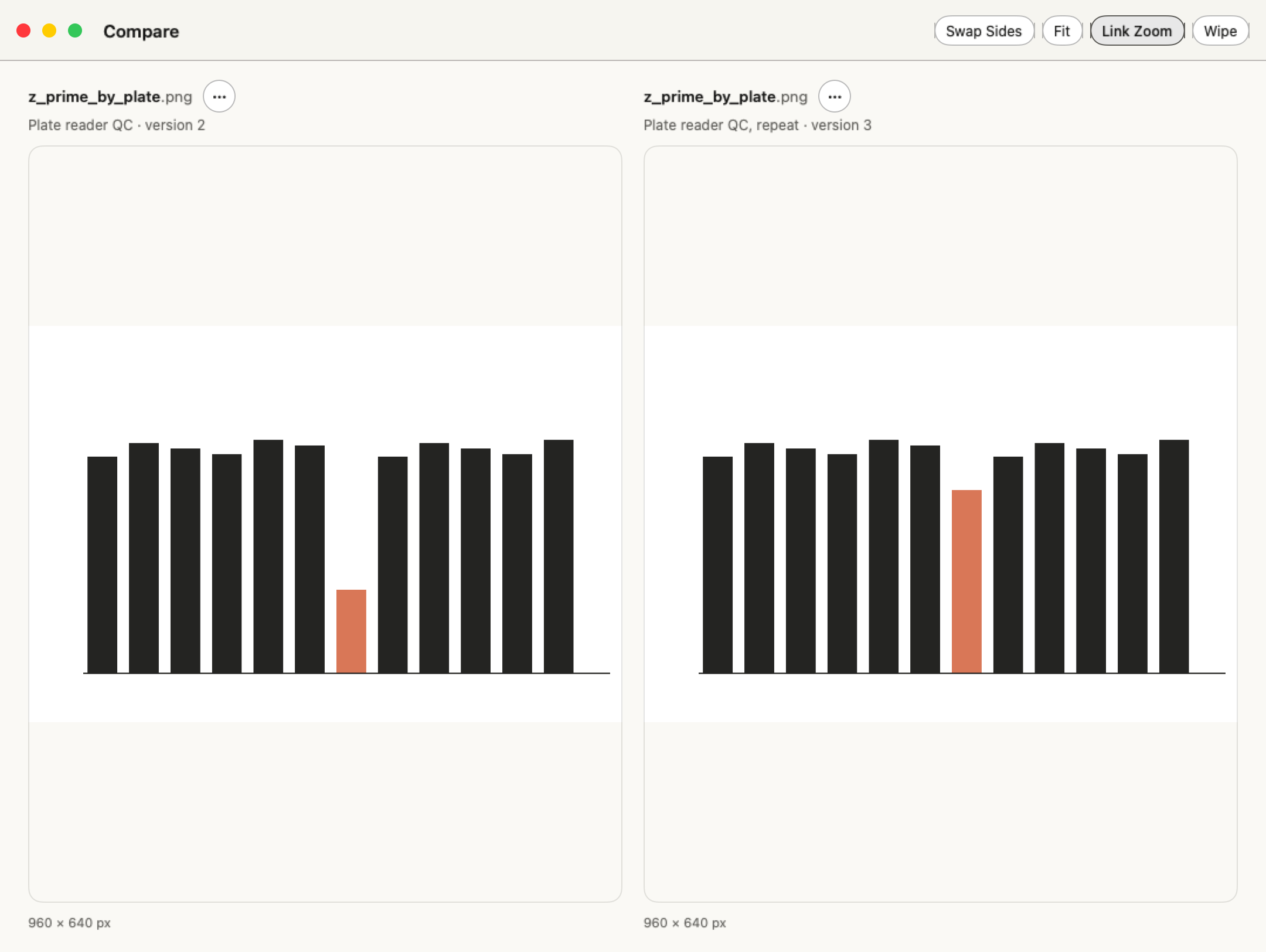
Right-click a figure or text file on the Shelf, choose Compare With, then pick the other one. PNGs, PDFs and SVGs all count as figures. Link the zoom, slide a wipe between figures of the same shape, or step through text changes line by line. When Claude Science has a newer version of a kept figure or its data, the Shelf marks it, and Compare with the Newer One puts them side by side.
 See the text comparison preview →
Leave yourself a way back.
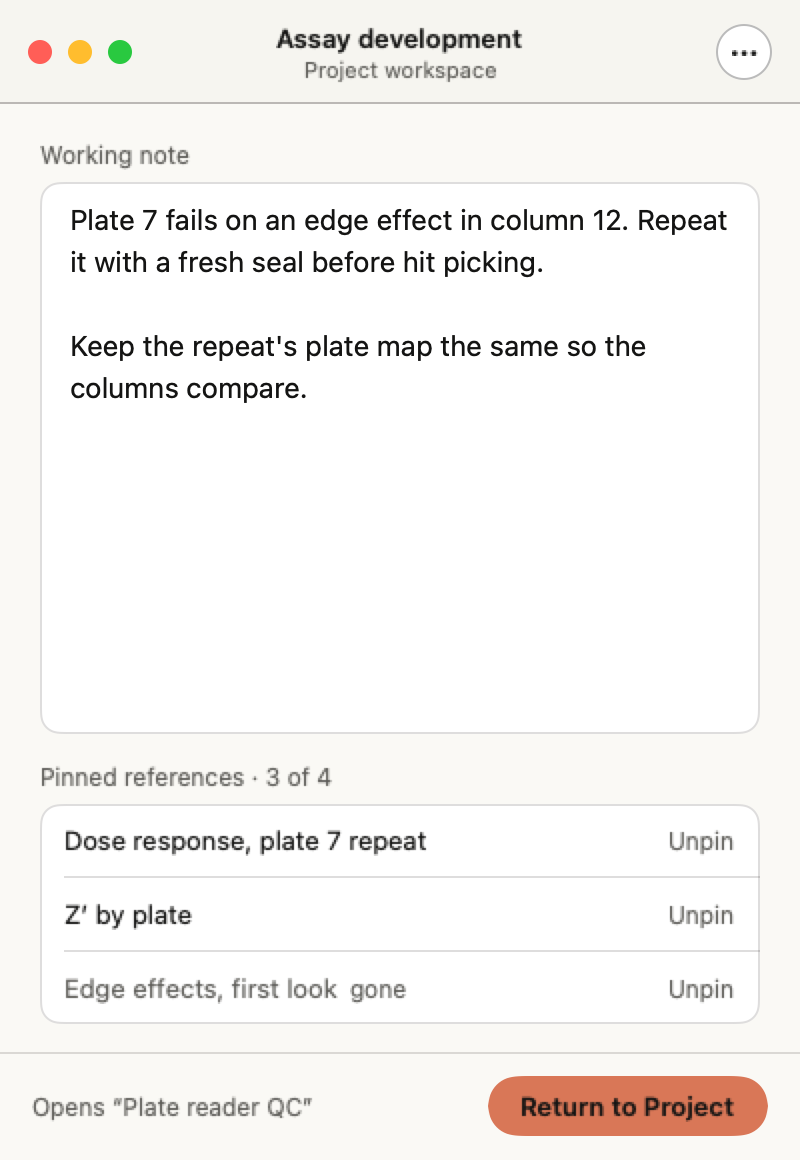
Each Project Workspace keeps its last conversation, up to four pinned references and a Working Note. Return to Project brings them back together, with the Shelf showing that project. Your note saves as you work.
Lay out the paper.
Make a paper on the Shelf and drag kept figures onto its panels: Fig 1A, 1B, 2A, with the supplement after. Moved or missing figures show as missing, and removing a panel never touches its kept folder. Export makes one folder with each figure named for its panel, a legends file, and one PDF. The paper itself is a plain text file.
App previews use fictional example data. Read what's new in Capsid 1.1.